





Programming
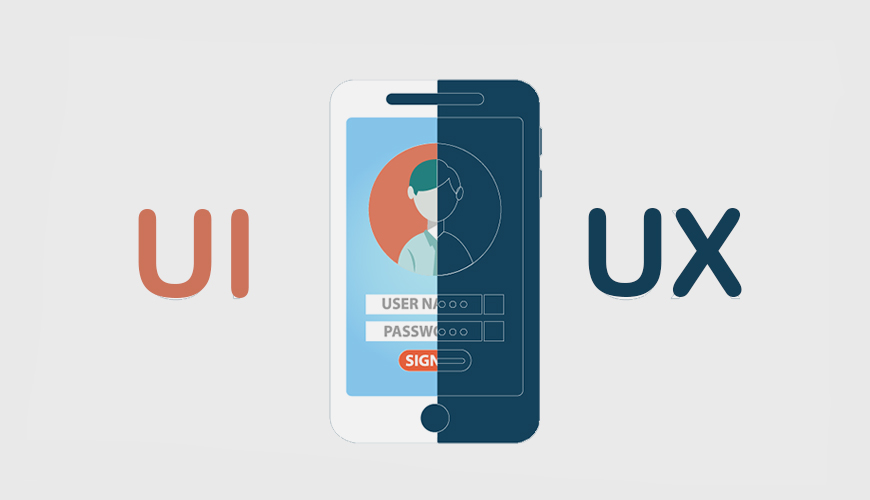
Most people use digital media on both desktop and mobile devices. Both platforms have a large number of users. As mobile and related technologies continue to gain global popularity, people's expectations for seamless and comfortable use of technology are increasing day by day. In this regard, the role of UI/UX design in your mobile application is undeniable.
The UI/UX design of a mobile application enhances the user experience and therefore plays a key role in the success of your app. To understand the role of UI/UX design, it is important to know the definitions of both terms.
"UI" stands for "User Interface". This design represents the user's interaction with the mobile app. The user interface includes all the controls, buttons, blocks, and elements of the app.
The purpose of the user interface is to create effective and efficient interaction between the user and the app. Creating a UI involves selecting colors and the latest design principles.
"UX" stands for "User Experience". The main goal of UX is ease of use and enabling users to easily navigate and search within the app. More precisely, it includes determining how the mobile app functions and meeting user expectations. UX should be clear, convenient, and user-friendly.
It is important for a developer to understand the role of UI/UX in a mobile app. You may build a highly functional app, but if the design is neglected, the app may become useless. A successful app must have a proper balance between functionality and UI/UX.
What can you do to improve UI and UX?
Maintain design harmony – The app design should not be limited to icons and buttons; colors and patterns should be consistent with them.
Loading speed – Speed is one of the most important aspects of UX design. Your page design should not require too much loading time because users want to save time.
Use traditional elements – It is recommended to use elements in the app that any user can recognize, ensuring a smooth and confusion-free experience.
Interactive app – User-friendly apps are considered ideal. An interactive app allows users to easily navigate from one screen to another.
Tagged with :
mobile App
design
